
Which image format should you use on the web? For most cases the answer is now simple: AVIF for photos and complex raster graphics, SVG for icons and true vector illustrations, and WebP or JPEG as a fallback for the small share of older browsers. AVIF works in every major browser today, so the format hedging of a few years ago is no longer necessary. This Bejamas comparison shows which format wins for each type of image, tested on real assets.
TL;DR
The article compares the most commonly used web image formats, including AVIF, WEBP, SVG, JPG XL, JPG2000, GIF, PNG, and JPG, based on factors such as resolution, image quality, file size, and cross-browser compatibility.
Through our research and testing of different image formats, we provide readers with insights into the most efficient image formats for various use cases, such as displaying photographs and complicated graphics, not-optimized vector illustrations, vector illustrations, and icons. It also explains the advantages and disadvantages of each format and offers tips on choosing the most effective format for web imagery. Since we first published these tests, browser support has shifted meaningfully: AVIF is now safe to serve everywhere with a simple fallback, while JPEG XL still isn’t. The verdicts below reflect that.
Introduction
When it comes to displaying images on the web, choosing the right file format is critical in terms of image quality, website performance, and sustainability. Images are usually the heaviest assets on a page, which makes format choice one of the first things worth checking when measuring web performance. In our previous article, How To Choose The Best Image Formats For The Web, we provided our readers with a comprehensive guide on the best image file format for the web, described all common image file types and their usage, and explained their pros and cons.
Theory and practice are the same important, but nothing is more convincing than “crush tests” made on real examples. That’s why we decided to conduct an experiment and test common image types used for different purposes to check which one performs the best in each case. In our tests, we approached the evaluation from the perspective of an average user who may not be well-versed in codecs. Additionally, we used the default settings whenever we saved a graphic, for example, from Photoshop. When saving a JPG file, we always chose the best quality option. Of course, we didn’t include in test raw image formats like TIFF file (Tagged Image File Format) because they are not a file type used on the web.
We also attempted to use the same tool for all formats. However, we needed to use a dedicated converter due to limited support for formats like JPG XL. Additionally, we discovered that the efficiency of specific formats, such as GIFs (Graphic Interchange Format), can vary significantly.
Disclaimer
Disclaimer: This comparison is far from perfect. We approached this comparison from a designer’s perspective, considering that designers, editors, and content creators often upload images to websites themselves. Usually, developers convert images using APIs, but for this comparison, we created all images using Photoshop (which might add additional metadata to the image, so we’re aware of this limitation). However, for AVIF and JPEG XL formats, we used the converter available at https://convertio.co/.
A user on Twitter, Jyrki Alakuijala (@jyzg), suggested that for every format, we should use the same approach as professionals would use: Mozjpeg (or even jpegli) for JPEG, cwebp/dwebp for WebP, avifenc/dec for AVIF, cjxl/djxl for JPEG XL, gifski for GIF, and zopflipng for PNG. Ideally, we should create a script that runs the codecs. We appreciate this valuable input, and future comparisons may take these suggestions into account.
The best image format for photography - use case
In the test conducted to compare various image formats, we downloaded single image files from the Unsplash stock photography website. The online conversion tool, convert.io, was then utilized to transfer the downloaded image into different formats, including JPG, PNG, WEBP, AVIF, HEIFC, and JPG XL. This process allowed for a comprehensive comparison of the formats based on file size, image quality, and compatibility across web browsers and devices.
To provide a comprehensive comparison, we compiled the results in a table outlining the key attributes of each format. This side-by-side analysis helped us identify the most suitable image format based on the needs and priorities. It also enabled us to check whether it maintains high-quality visuals, ensures fast loading times, or maximizes cross-platform compatibility.

Unsplash stock photography
In the initial test, we started by saving images in a resolution of 600x900 pixels - a typical size for web displays. Following that, we decided to test smaller file sized images with a resolution of 3993x6001 pixels to further evaluate the performance of different formats. By comparing the results between these two resolutions, we gained insights into how each format performs with various image sizes and how they reduce the file size, helping to determine the optimal format for different use cases and scenarios.
Photography - use case. Image resolution: 600 x 901 pixels
| Order | vsFormat | vsQuality | vsFile size | vsRecommendation |
|---|---|---|---|---|
| 1 | AVIF | Good | 19.7 kB | Highly recommended |
| 2 | JPG XL | Good | 92 kB | Not recommended (still limited support) |
| 3 | WebP | Good | 167 kB | Recommended (reliable fallback) |
| 4 | GIF | Medium | 245 kB | Not recommended |
| 5 | JPG | Good | 380 kB | Recommended as a universal fallback |
| 6 | JPG 2000 | Good | 565 kB | Not recommended |
| 7 | PNG | Good | 668 kB | Not recommended |
In the photography use case, AVIF is the clear winner, and it is now safe to serve everywhere.
Examine the efficiency of the AVIF format. When displaying images in AVIF, the file size is reduced to just 2% of the final weight of a PNG file.
Photography - use case. Resolution: 3993 x 6001 pixels
| Order | vsFormat | vsQuality | vsFile size | vsRecommendation |
|---|---|---|---|---|
| 1 | AVIF | Good | 204,78 kB | Highly recommended |
| 2 | WebP | Good | 665 kB | Recommended (reliable fallback) |
| 3 | JPG XL | Good | 1,993 MB | Not recommended |
| 4 | JPG | Good | 2,313 MB | Recommended as a universal fallback |
| 5 | JPG 2000 | Good | 10,6 MB | Not recommended |
| 6 | GIF | Medium | 12 MB | Not recommended |
| 7 | PNG | Good | 15,1 MB | Not recommended |
At larger sizes the gap only widens: AVIF leads, with WebP a solid second.
Upon comparing the two tables, some intriguing insights emerged:
-
For smaller images, GIF and JPG XL perform better regarding the large file size.
-
PNG file format consistently remains the heaviest format.
-
Generally speaking, AVIF and WEBP images are always the most efficient choices.
Bear in mind that the outcomes may vary significantly depending on factors like compression type, codec, etc. The presented results are meant to illustrate the scale of the differences rather than provide an exhaustive comparison.
Where browser support stands now
Browser support is what has changed most since we first ran these tests in 2023. AVIF now works in Chrome, Edge, Firefox, and Safari (16.4 and later), which is roughly 93% of global traffic according to caniuse. The remaining gap is mostly older iOS devices, and a <picture> element with a WebP or JPEG fallback covers it cleanly. WebP sits at around 96% support, so its old “most accessible format” advantage over AVIF has essentially evaporated. AVIF caught up while compressing better.
JPEG XL is a different story. Safari has shipped partial support since version 17, but Chrome removed its original implementation in early 2023 and has since brought a new decoder back only behind a flag (still off by default as of mid-2026), and Firefox keeps it disabled by default as well. At under 14% global support on caniuse, it remains a format to watch, not one to deploy without a fallback for nearly every visitor.
Long story short - if you want to display a photo on a website, go for an AVIF. If you need to edit it, go for a JPG than PNG. PNG is a lossless image format, whereas JPEG is a lossy compression format. Remember that if your photo contains any custom-added graphics or text, a JPG might not be a very effective format because the typography may lose quality of the image.
Image format used for a complicated graphic - use case
In the second test, we experimented with a raster format for graphics created by our illustrator, Zuza. These web graphics can be found on the Bejamas website. What are your predictions regarding the best-performing format for this type of image?

An illustration by Zuza Gadomska created for Bejamas website
Complex illustration or graphic use case. Resolution: 1080 × 1080 pixels.
| Order | vsFormat | vsQuality | vsFile size | vsRecommendation |
|---|---|---|---|---|
| 1 | AVIF | Good | 89,18 kB | Highly recommended |
| 2 | WebP | Good | 221 kB | Recommended (reliable fallback) |
| 3 | JPG XL | Good | 318 kB | Not recommended |
| 4 | JPG | Medium | 483 kB | Not recommended |
| 5 | GIF | Medium | 631 kB | Not recommended |
| 6 | JPG 2000 | Good | 1,6 MB | Not recommended |
| 7 | PNG | Good | 1,9 MB | Not recommended |
Serve AVIF or WebP; keep a PNG master for editing and reuse.
For delivery, AVIF and WebP are both safe choices today: every current browser handles them. PNG (even if it ranks last here) still earns its place as the master file: both GIF and JPG experienced a significant drop in quality despite using the highest quality setting, so if you need to reuse the image in Figma and want to make sure it looks good, keep a PNG source. As far as JPG XL and JPG 2000, they are still poorly supported across browsers and design software alike.
Additionally, remember the golden rule: when an image has sharp edges and lines, it may appear blurry in JPG and GIF formats. Keep this in mind when choosing a format for your images.
An image file with not optimized vector illustration - use case
The following example is from the Dodonut website. We were searching for an artist who could offer a funny style that met our requirements, such as:
-
Limited use of colors in the illustrations
-
SVG format
-
Simple shapes
-
Aesthetically pleasing images

Illustration for Dodonut website
You might think the best format for this image would be an SVG because it is a vector format. Unfortunately, that wasn’t the case. Why? First, the illustration wasn’t initially created as a vector image format – it was made in Procreate and then converted to vectors. As a result of this conversion, Procreate generated thousands of anchor points. If you check the outline mode in Illustrator, you’ll see that the dots are positioned very close to each other.

In this case dots are positioned very close to each other as this illustration was converted to vector image.
This image serves as a great example of when to use PNG-8 conversion. We will demonstrate how different codecs and sources affect the final asset. As you can see in the table, the outcome depends on the formats from which an image is converted – I presented this using the WebP example.
Not optimized vector illustration - use case.
| Order | vsFormat | vsQuality | vsFile size | vsRecommendation |
|---|---|---|---|---|
| 1 | AVIF (from PNG-8) | Good | 58,67 kB | Recommended |
| 2 | WebP (created from PNG-8 source image) | Good | 74 kB | The most recommended |
| 3 | PNG-8 | Good | 106 kB | Recommended |
| 4 | GIF (from PNG-8) | Medium | 146,37 kB | Not recommended |
| 5 | AVIF from JPG | Good | 175,6 kB | Recommended |
| 6 | GIF (from JPG highest) | Good | 208,57 kB | Not recommended |
| 7 | JPG (Lowest compression) | Medium | 694 kB | Not recommended |
| 8 | PNG (standard) | Good | 800 kB | Second choice |
| 9 | WebP (from jpg best quality) | Good | 890 kB | Recommended |
| 10 | JPG (the best quality) | Good, but we can still notice blurriness | 2,9 MB | Not recommended |
| 11 | SVG (optimized by Illustrator) | Good | 2,95 MB | Not recommended |
| 12 | JPG 2000 | Good | 3,4 MB | Not recommended |
| 13 | SVG (exported from Procreate) | Good | 10,10 MB | Not recommended |
Formats such as AVIF and WebP perform best, but the source file influences the final results.
In summary, it is crucial to consider the following factors when selecting the appropriate format for each use case:
-
Optimize source material: Optimizing the original material can significantly impact the final asset, even when automated conversions are implemented on a website.
-
SVG performance - while an SVG is a vector image, it doesn’t always deliver the best performance, as it depends on the image structure and contained image data.
-
PNG-8 for limited colors - for images with fewer than 256 colors, consider using a PNG-8, which is extremely efficient and can be selected by default in Illustrator.
-
AVIF and WEBP - generally, AVIF and WebP formats outperform others, but the final results are influenced by the source file.
Understanding these factors is crucial in making informed decisions about image formats for your projects.
Image format to use vector-based illustration - use case
The next example features an illustration created in Illustrator, which is fully vector and designed as a vector from scratch. We chose a more complex illustration to evaluate its performance across various formats. Let’s see how it fares in different scenarios.
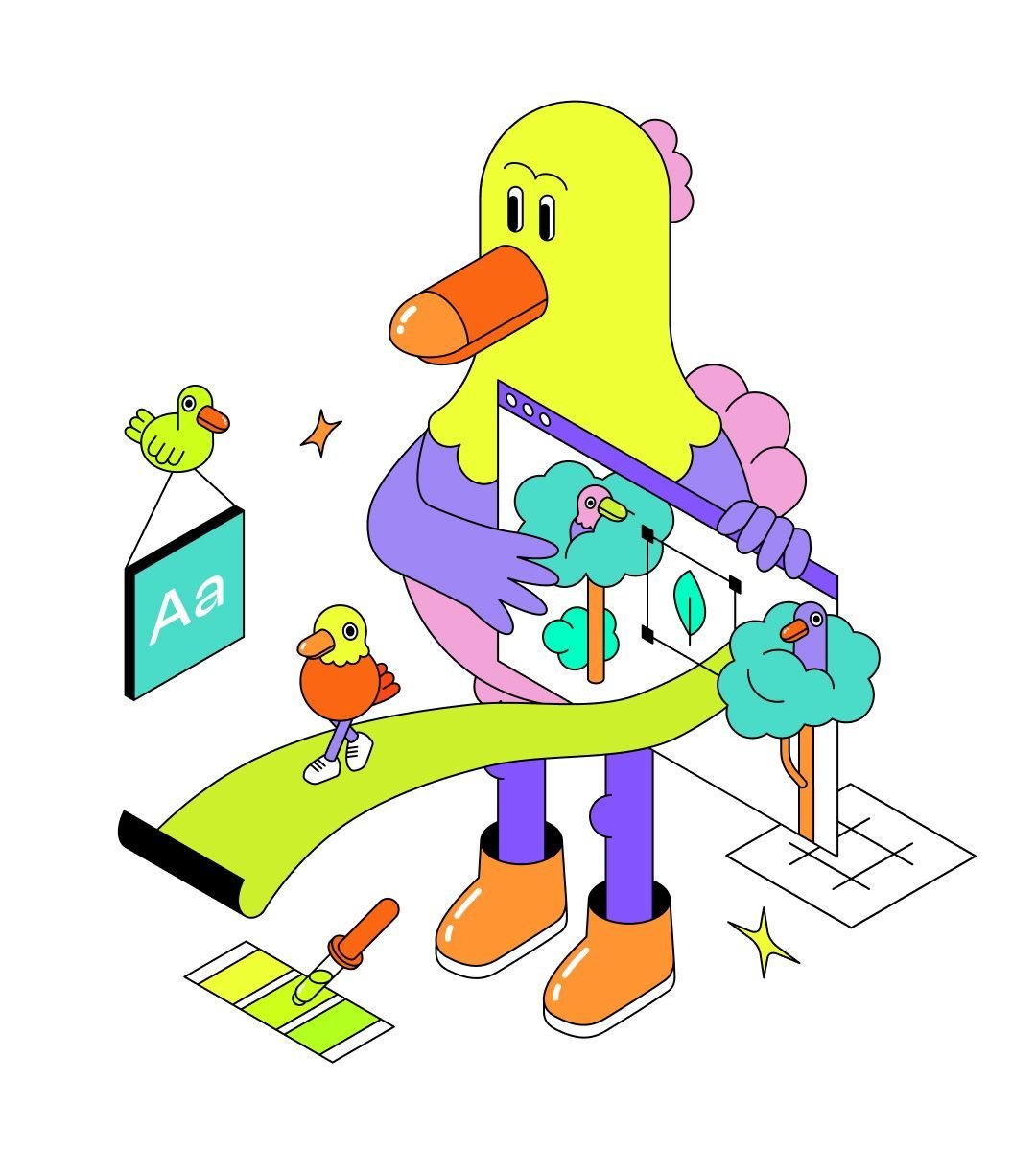
Vector illustration created by Justyna Lasota for Dodonut website.
Vector-based illustration - use case.
| Order | vsFormat | vsQuality | vsFile size | vsRecommendation |
|---|---|---|---|---|
| 1 | AVIF (from WebP) | Good | 31,04 kB | Recommended |
| 2 | SVG (From Illustrator) | Good | 33 kB | The most recommended |
| 3 | WebP | Good | 45 kB | Recommended |
| 4 | SVG (from Figma) | Good | 55 kB | Recommended |
| 5 | AVIF (from PNG) | Good | 67,9 kB | Recommended |
| 6 | PNG | Good | 128 kB | Recommended |
| 7 | JPG 2000 | Good | 322 kB | Not recommended |
| 8 | JPG | Poor (no transparency) | 400 kB | Not recommended |
Undoubtedly, SVG is the safest format to use and performs quite well in the case of vector-based illustration.
From this test, we can draw a few conclusions:
-
Optimal SVG tool - Illustrator appears to be the best image editor for optimizing SVG files.
-
SVG is also the safest format to use. Even if you are uncertain about the codec, it will generally perform quite well.
-
The greatest advantage of an SVG lies in its ability to be easily animated using CSS or JavaScript, a feature not available in other formats. Furthermore, an SVG allows for the implementation of theme-specific colors, providing versatility and adaptability in design. These unique characteristics make an SVG a preferred choice for a wide range of applications and projects.
-
Efficient WEBP - a WEBP file is highly optimized and performs well in various scenarios.
-
Improved JPG 2000 performance - in comparison to a JPG, JPG 2000 performs quite well and better than usual in this specific test.
-
PNG-8 usefulness - saving the illustration in a PNG-8 format also makes sense.
These findings can help guide your decisions when selecting the appropriate image format for your projects.
File type for icons - use case
The final test focused on small website elements, precisely simple icons. We took a Bluetooth icon from the Feather Icons set and saved it in various graphics formats for comparison.

Bluetooth icon
Icons - use case.
| Order | vsFormat | vsQuality | vsFile size | vsRecommendation |
|---|---|---|---|---|
| 1 | WebP (from SVG) | Good | 138 bytes | Recommended |
| 2 | SVG | Good | 239 bytes | The most recommended |
| 3 | PNG | Good | 245 bytes | Recommended |
| 4 | AVIF | Good | 315 bytes | Recommended |
| 5 | Webp (from PNG) | Good | 386 bytes | Recommended |
| 6 | JPG | Poor (no transparency) | 1 kB | Not recommended |
In this case, an SVG is the best choice.
An SVG is the recommended choice in this category, even though WebP file format may offer better results in some cases. The primary reason for choosing an SVG is its excellent support from HTML and CSS, which provides a significant advantage. Additionally, the file size of WebP depends on the source format and codec, and in most cases, you may not achieve better results than with an SVG. Overall, an SVG remains a reliable and efficient option for websites.
PNG, JPEG, WEBP, vector file formats - when to use which web image formats?
Summary
In conclusion, selecting and using an image in the appropriate format for your project is essential for optimizing user experience and website performance. Choosing an adequate image format for your needs and purpose can make the web faster, more user-friendly, and more sustainable. Our tests evaluated various formats for the web, such as JPG, PNG, AVIF, WebP, and SVG, for different types of image files, including photos, raster image files, illustrations, and icons. The results emphasize the importance of choosing the right format based on the specific use case, with AVIF and WebP often outperforming others in many situations. However, an SVG stands out for its versatility, adaptability, and ease of animation using CSS or JavaScript. While the large variety of image formats may seem overwhelming, we hope that our profound comparison of different image file types on the web “in action” can help you place your image formats that support your strives to boost your website performance. Here are the final hints for you when you wonder which image formats to choose:
-
Think about, what is the purpose of your original image - is it photography, a simple illustration, or just an icon?
-
What browsers will decode the image - AVIF is now a safe default, with a WebP or JPEG fallback in a
<picture>element for the few older devices that remain. -
How do you want to use this file? Do you need a fully editable image or saved into one image layer?
-
Optimize the original source even if you plan image editing and converting.
-
What image editing tools are you capable of using?
-
Prepare your file type for the web - there are different requirements for simple icons and web graphics with transparency and how you will display them.
-
If you have just started working in the web design field**, experiment with different image types** for web graphics to compare which format is the best that responds to your and your user’s needs and makes your website lightning-fast.
By understanding the strengths and limitations of each format, you can make informed decisions to ensure optimal results in your digital projects. Images are the biggest lever for page weight, but not the only one. Once your formats are in order, web font optimization is usually the next best win.
References
-
Fyodor Serzhenko, Image Format Comparison
-
JPEG files, Adobe.com
-
Portable Network Graphics (PNG) Specification (Third Edition)
-
W3C First Public Working Draft 25 October 2022
-
AVIF image format browser support, caniuse.com
-
JPEG XL image format browser support, caniuse.com
-
Mavlankar Aditya, De Cock Jan, Concolato Cyril , Swanson Kyle, Moorthy Anush and Aaron Anne, AVIF for Next-Generation Image Coding, Netflix Technology Blog, Feb 13, 2020
